AI Responses Overview
All AI responses generated from all Maatdesk AI Tools are automatically saved, and can be viewed, exported, edited, and deleted.
Table of contents
- View list of AI Responses
- Editing AI Response name
- View a saved AI Responses
- Deleting AI Response
- Printing AI Response
View list of AI Responses
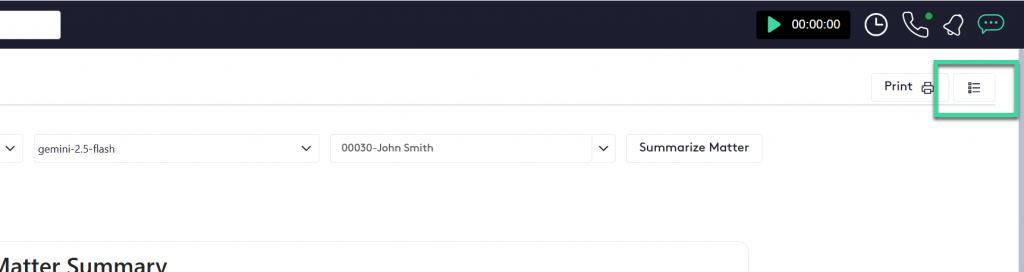
You can see the list of Saved responses by accessing any of the AI Tools and clicking on the right top button of  .
.
The right pane will slide with a list of saved AI Responses.
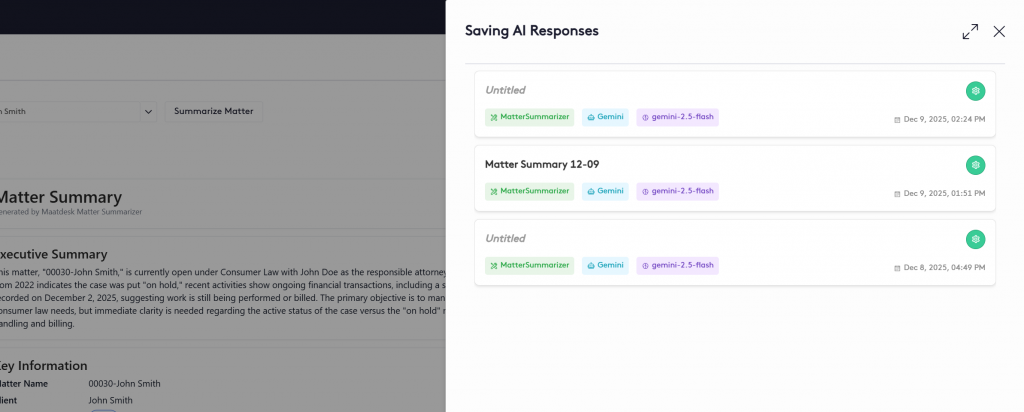
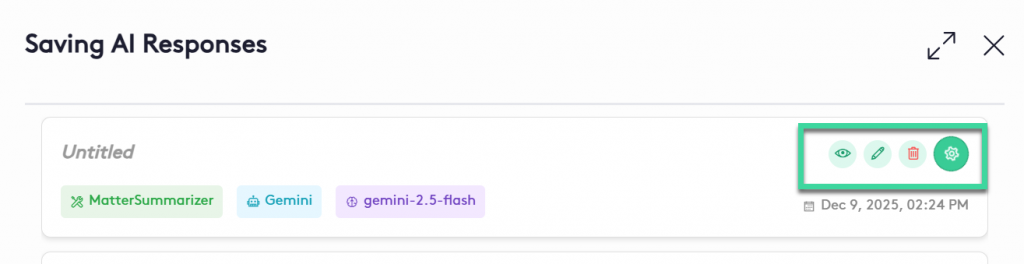
From this pane you can view, edit or delete an AI Response from different AI Tolls by clicking on the green button on the right with a Gear icon
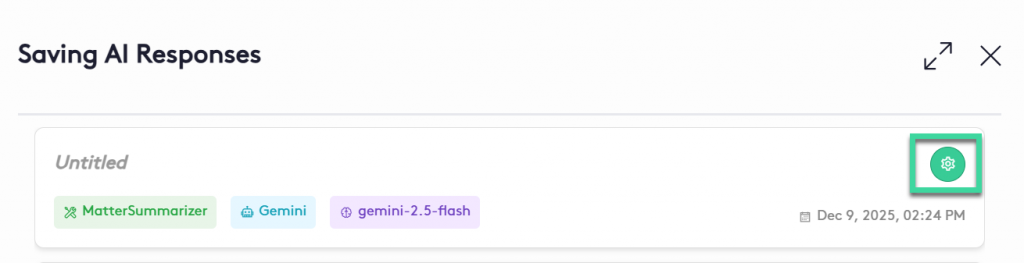
After clicking the button, management options will appear:
Editing AI Response name
- Click on the edit icon to change the name of the AI Response or Summary
 and the name field will appear.

2. Edit the name of the AI Response
3. After changing the name press Enter key to save.
Viewing a saved AI Response
To view an already saved AI Response:
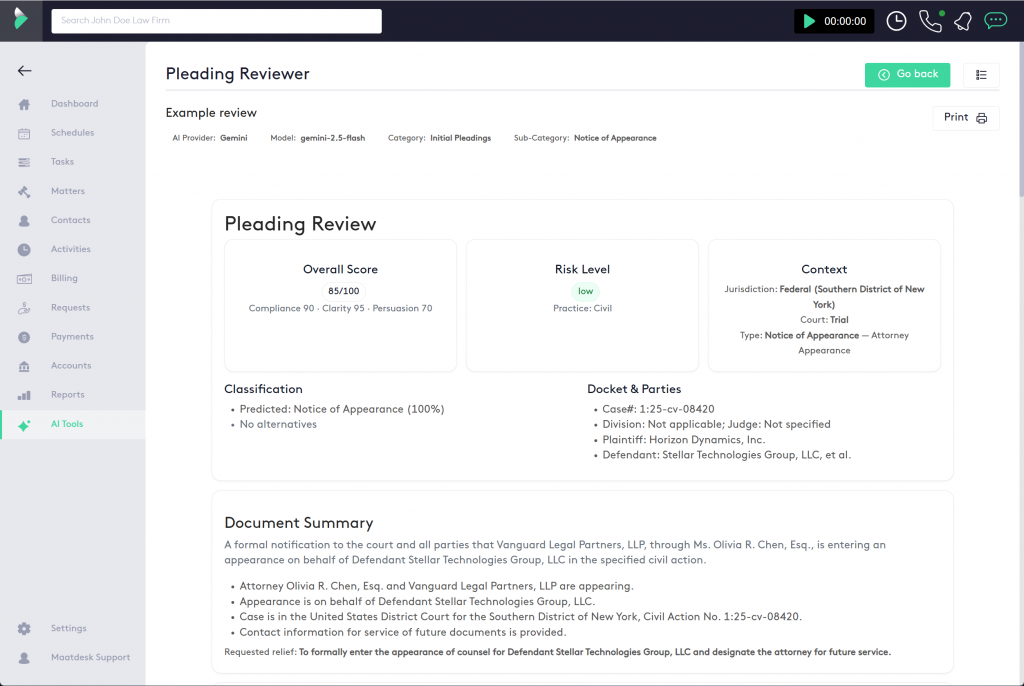
1. Access the Saving AI Response pane, the same way you edit it and click on the  button
2. The AI Response should be displayed
Deleting an AI Response
To delete an already saved AI Response:
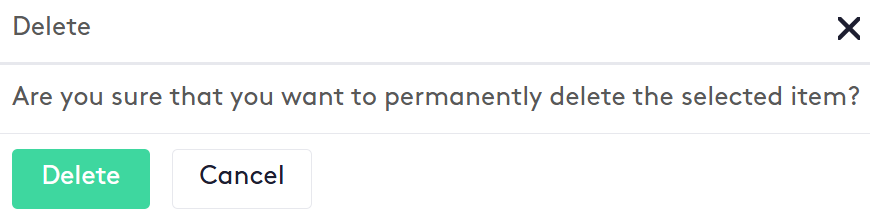
1. Access the Saving AI Response pane, the same way you edit it and click on the  button
2. Click on Delete button from the delete action modal
Printing an AI Response
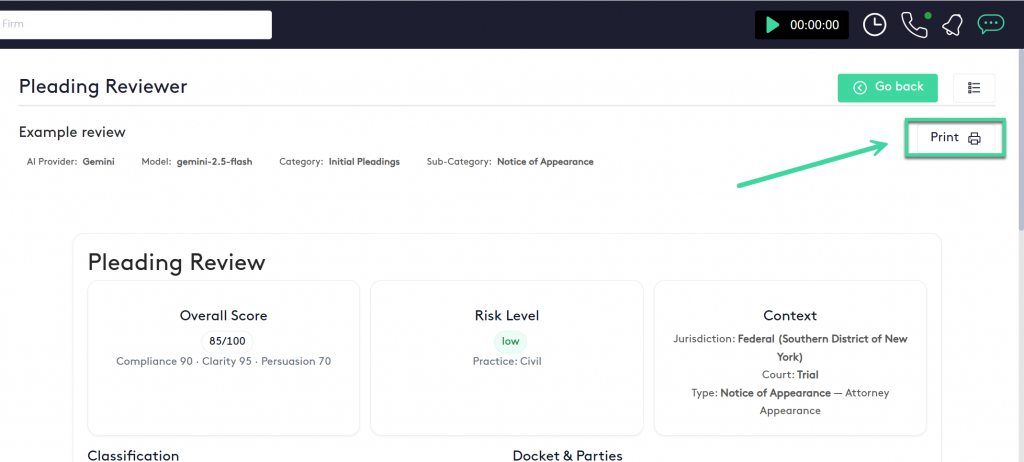
To print an already saved AI Response:
1. Access the view AI Response screen
2. Click the Print button on the top right